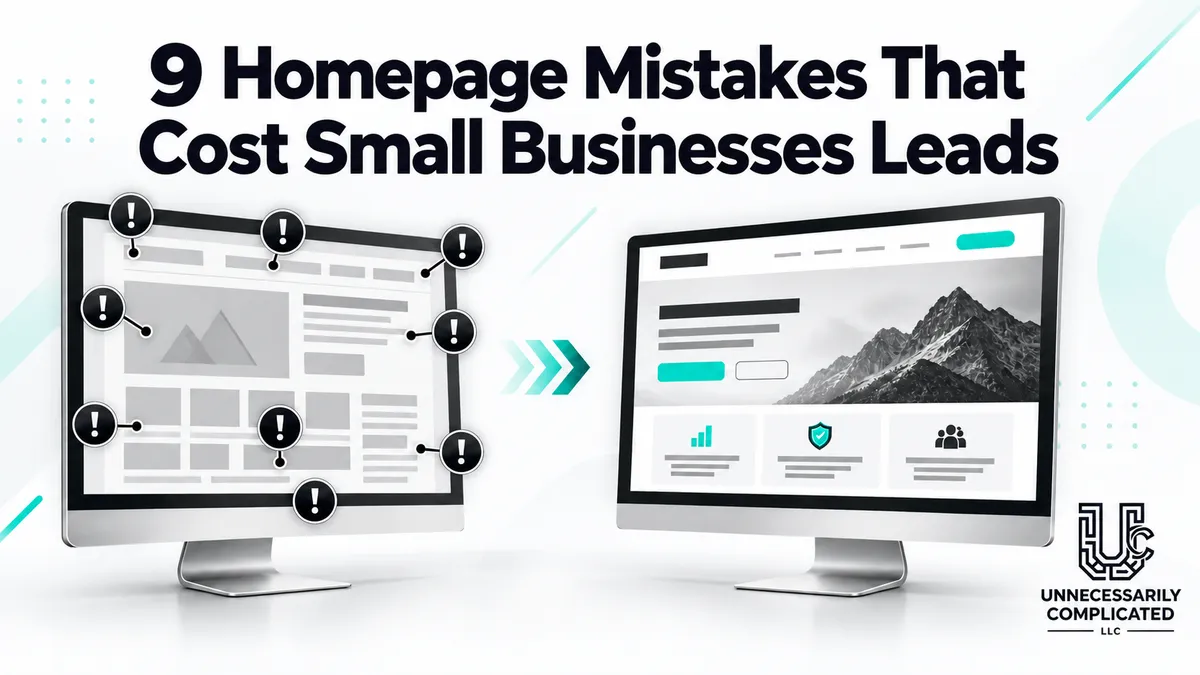
9 Homepage Mistakes That Cost Small Businesses Leads
Your homepage does not need to tell the entire company story. It needs to orient visitors, establish credibility, and move the right people toward the next useful page. These nine mistakes make that harder.
1. A headline that says almost nothing
“Welcome” and “Solutions for a better tomorrow” sound polished but do not identify the business. State the service, audience, and meaningful outcome in plain language.
2. Too many competing calls to action
When every button is equally important, none is. Choose one primary action and use secondary links for visitors who need more information.
3. Making visitors hunt for services
Do not hide core services behind vague navigation or a long company story. Show the main offers early and link each to a focused service page.
4. Designing only for desktop
Oversized headlines, tiny mobile buttons, overlapping sections, and difficult menus can destroy an otherwise attractive homepage. Test real phones, not only a desktop preview.
5. Using generic stock imagery
Images should help visitors understand the business. Real work, locations, products, people, or purposeful branded visuals usually build more confidence than staged handshakes and smiling strangers.
6. Missing trust signals
Visitors look for evidence: reviews, project examples, experience, credentials, guarantees, recognizable clients, or a clear process. Place the most relevant proof near the claim it supports.
7. Writing for the company instead of the customer
A homepage filled with “we” statements may never address the visitor’s problem. Explain what customers can accomplish, what friction you remove, and what working with you feels like.
8. Hiding contact information
A determined visitor might search the footer. Most people will not. Make the primary contact action visible and keep phone, form, booking, or directions easy to use.
9. Ending without direction
The bottom of the page should not feel like a dead end. Restate the value, reduce final uncertainty, and provide a clear next step.
A homepage should create momentum
The best homepage is not the busiest or most creative. It is the one that helps the right visitor say, “This is what I need, this business looks credible, and I know what to do next.”
Ready to make your website less complicated?
Unnecessarily Complicated LLC designs professional small business websites and rescues outdated, confusing, or underperforming sites. Explore Website Design, learn about Website Rescue, or contact us to talk through what is getting in the way.
Suggested links: https://www.unnecessarilycomplicated.com/website-design | https://www.unnecessarilycomplicated.com/website-rescue | https://www.unnecessarilycomplicated.com/contact
